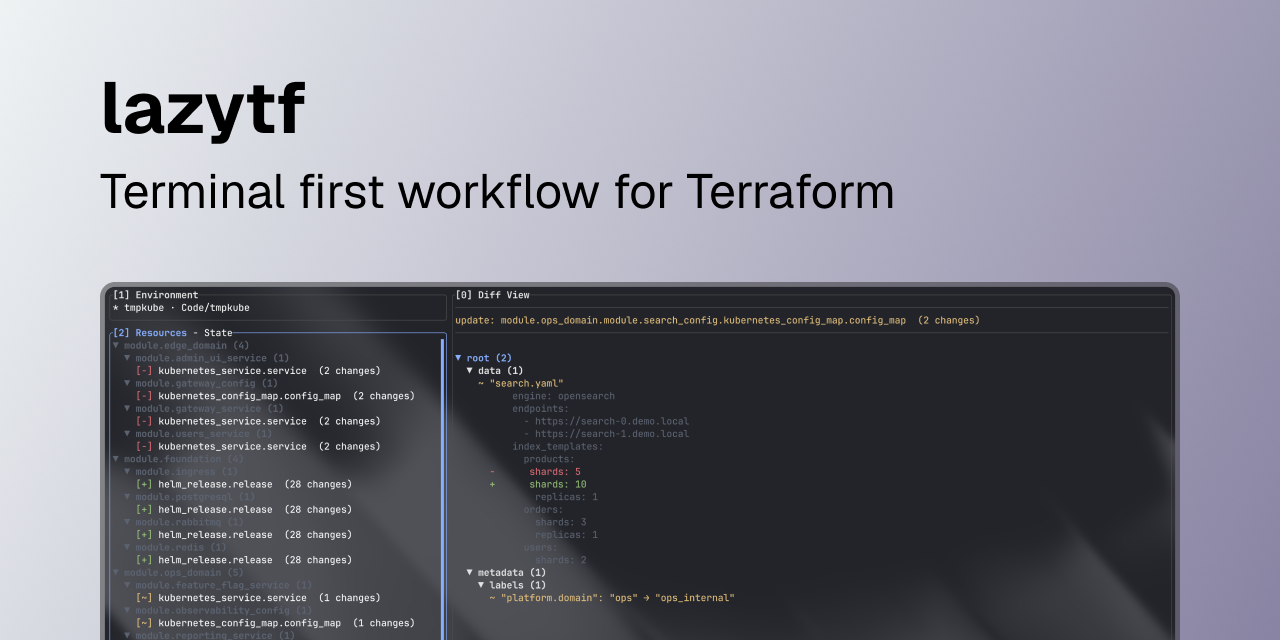
lazytf is for engineers who manage IaC through Terraform, and want a cleaner way to review diffs and apply history directly in the terminal.
The main goal of lazytf is to provide the DX of using Terraform Cloud (consumable diffs and apply history) for teams who do not, or are unable to use Terraform Cloud.
Terraform CLI gives complete output, but the output can get noisy fast and scanning giant logs to answer simple questions can be cognitively-expensive.
You can find the current latest release here.
Demo#
What shipped in this release#
This is the first public release, and it ships the following features:
- Execution mode for running plan, apply, init, init-upgrade, validate, format, and state refresh flows inside the TUI
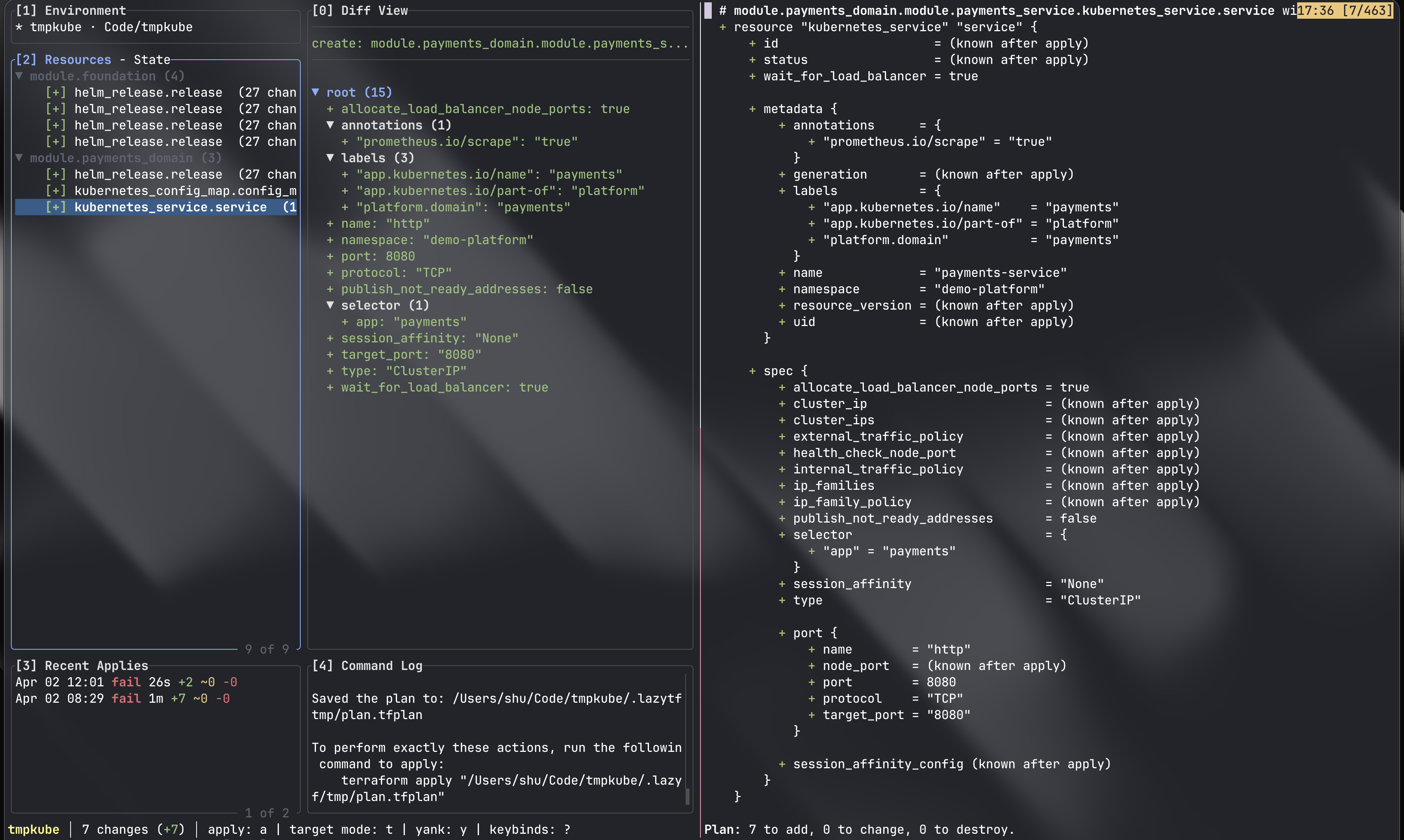
- Diff review with navigable resource changes and filters for create, update, delete, and replace actions
- Target mode for selecting resources, running targeted plans, replanning, and applying from the same interface
- Read-only mode for engineers who want to inspect existing plans without running mutations through lazytf
- Plan input support for piping Terraform CLI output into lazytf or opening existing saved plan files
- State browsing and operations from the resource view
- Apply history logging so previous operations remain inspectable after terminal output is gone
- Command logs, diagnostics, progress tracking, and optional desktop notifications for Terraform operations
- Workspace and folder environment support with automatic environment detection
- Config-driven behavior through YAML, NixOS modules, and Home Manager modules
- Presets and project overrides for workdir, environment, theme, binary, flags, and history settings
- Terraform and OpenTofu binary selection globally or per project
- Built-in themes, lazygit-style keybindings, and tmux-aware mouse support
- Install paths for Go, Homebrew, Nix, and binary installs for Linux and macOS
Get started#
Repository:
Install options from the repo:
go install github.com/ushiradineth/lazytf/cmd/lazytf@latestbrew tap ushiradineth/homebrew https://github.com/ushiradineth/homebrew && brew install --cask lazytfnix run github:ushiradineth/lazytf
Find the complete installation guide in the README.md installation section.
You can find the configuration options in the CONFIGURATION.md.
If you are already running Terraform every day, start with one existing project and compare your normal plan and apply review flow against lazytf.
FAQ#
Some common questions I believe you may have:
Why is this release not considered v1 or 1.0.0?#
Although all Terraform related features are considered “stable”, the TUI is yet to be tested in real world workflows outside of my own use for the last couple of months, if you would like to contribute your insight and feedback, please raise an issue on github or through mail.
Once the TUI is stable with battle tested testimonials from other users, I will release a stable major version.
Stack: Why Go and Bubble Tea#
I chose Go and Bubble Tea because this stack gave me fast iteration and solid runtime performance for a TUI.
I considered Rust and ratatui as well. That path is strong, but Bubble Tea and the surrounding ecosystem felt ready for a reliable first public release for this project.
Why mimic lazygit style UI?#
I use lazygit on a daily basis and I am familiar with its UI/UX quite a bit now, I wanted to bring that same UX for Terraform and keep the UI/UX similar to lazygit, so that users would have an easier time transitioning the muscle memory and flows from lazygit into lazytf.